
About Me Video for a Personal Trainer Website
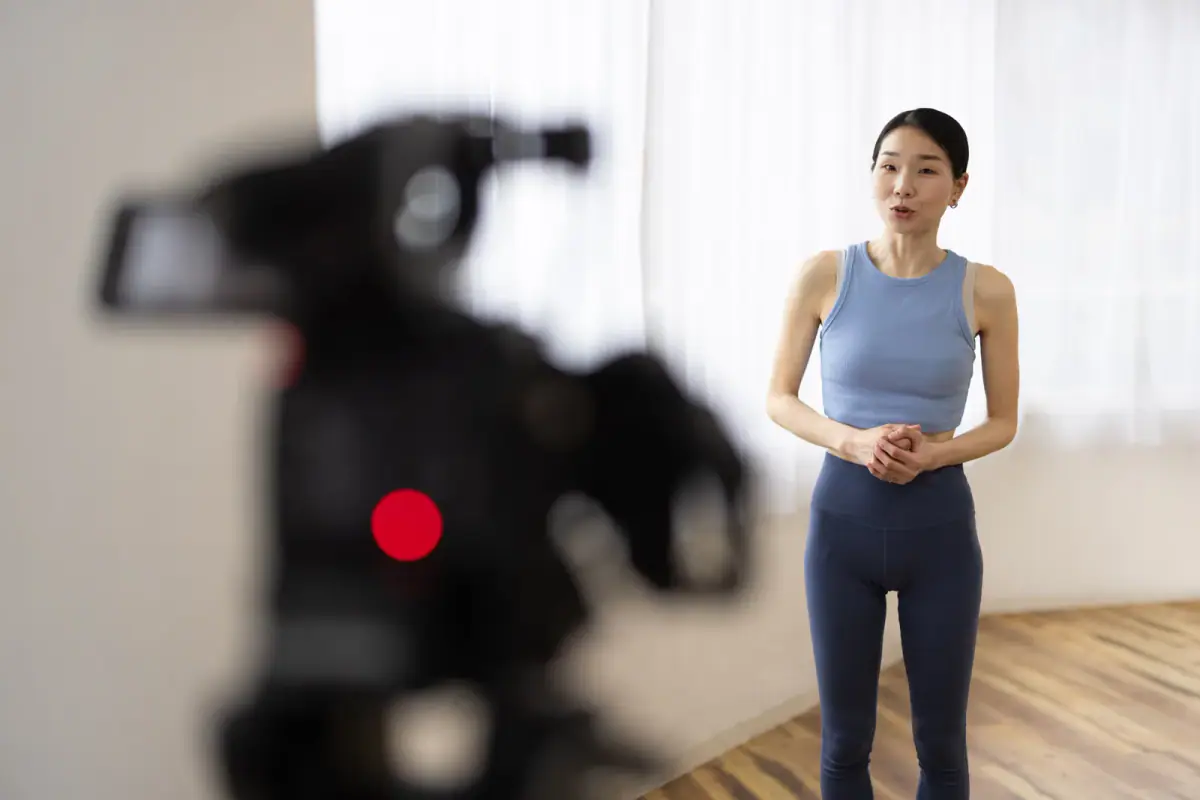
An about me video for a personal trainer website should run 60 to 90 seconds, speak to one nervous first-timer, and end with a single booking step, placed near the top of the page beside the booking button. Its job is to answer the question a visitor cannot ask in a form: will I feel comfortable with this person? Written bios list credentials, and a short video shows warmth and plain speech. If you need a quiet place to film it, a private room rented by the hour is a simple answer.
A script structure that fits 60 to 90 seconds
- Name and the person you help (10 seconds). “I’m [your name], and I coach adults who feel out of place in a gym.”
- The problem you understand (15 seconds). Describe their worry in their own words, without exaggeration.
- How a first session goes (25 seconds). Walk through it: a conversation, a movement check, a plan, a first workout. Mention that it happens in a private room if it does.
- Why you do this (15 seconds). One honest sentence about your own path. Skip the long résumé.
- The next step (10 seconds). “Use the button below to pick a time, and bring questions.”
That is roughly 150 to 200 spoken words. Write it, read it aloud once, and cut anything that sounds like a brochure.
Where it goes on the page
| Placement | Why |
|---|---|
| Top of the about page, above the text | Visitors who click “about” want to meet you |
| On the home page, below the headline | Gives a face to the promise above it |
| Next to the booking button | Moves the viewer from curiosity to action |
| Not in the footer | Almost nobody scrolls that far to press play |
Pair the video with captions and a short text summary for visitors who cannot play audio. Whether a site is needed in the first place is covered in does a trainer need a website, and the first link on the page should always be a clear route to book.
Filming it
- Room: a quiet private room with a plain background. Rooms like those at FlexWerk in Carmel, where no one walks through the frame, make retakes easy.
- Camera: phone at eye level on a tripod, vertical or horizontal to match where it will live.
- Light: face a soft light source, as lighting for a small room explains.
- Sound: clip-on microphone if you have one, and no music under your voice.
- Takes: do three, then pick the one that sounds most like you talking to a friend.
Mistakes that make visitors leave
- Opening with your credentials instead of the visitor’s concern.
- Promising dramatic results. Describe the process instead.
- Reading a script word for word. Use bullet notes and talk.
- Forgetting the closing step. If the video ends without a button, you lose the booking.
Once it is live, check how many visitors press play and how many then book, and re-film after a year or when your room or niche changes. Short testimonial clips from clients can sit beside it, and filming one in your room shows how.
A sample outline to adapt
Open on a plain statement of who you coach and where. Then say one sentence about the worry you hear most often. Describe the first session in three steps. Share one line about why you coach. Close with the instruction to use the booking button. Read it once at normal speed against a timer. If it runs over ninety seconds, cut the line you like best but that helps the visitor least. A good about me video leaves a nervous reader thinking the trainer sounds easy to talk to.
Related questions
How long should the video be?
Sixty to ninety seconds. Long enough to sound like a person, short enough that a nervous visitor watches to the end and reaches the booking button.
Should it autoplay?
No. Autoplay with sound annoys visitors and many browsers block it. Use a clear thumbnail with your face and a play button, and include captions for muted viewing.
Do I need professional equipment?
No. A phone on a tripod, a quiet room and soft light are enough. Honest and clear beats polished and distant.