
Camera Angles for Filming Exercise Demos
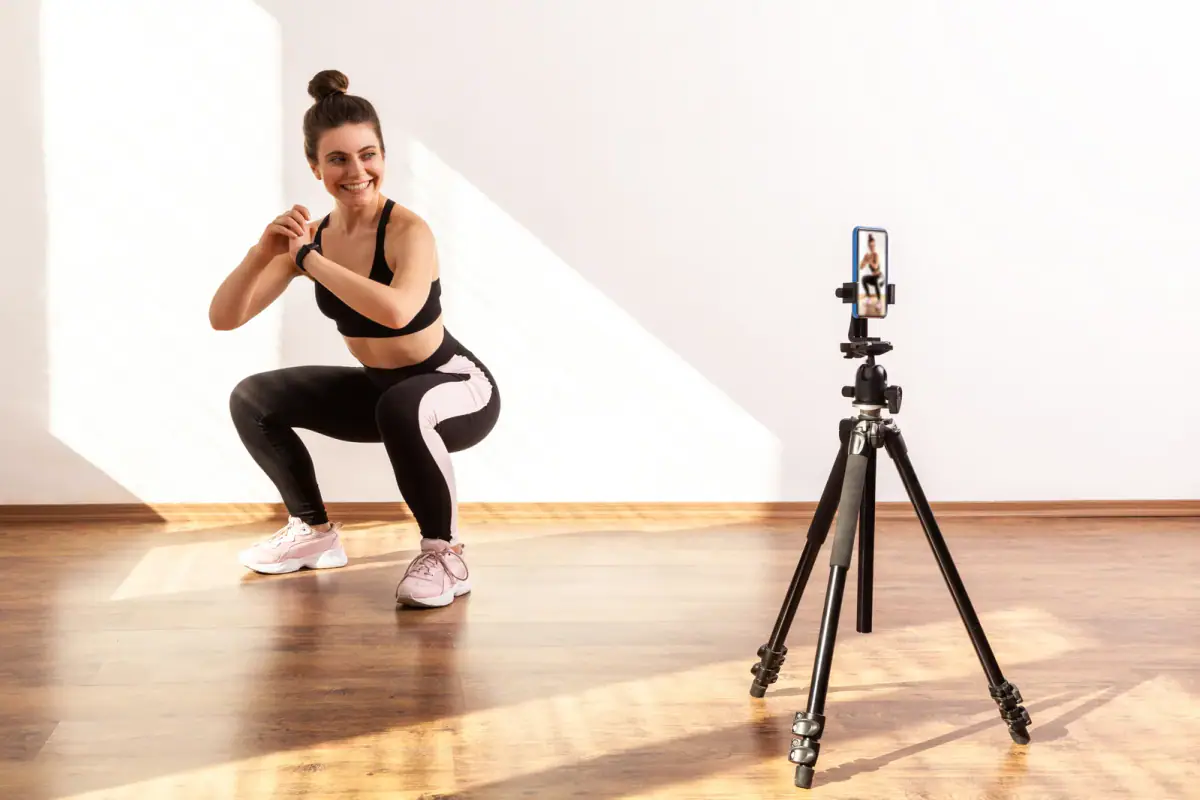
The right camera angle for an exercise demo depends on what the viewer needs to see: a side view shows hip and spine position in hinges and squats, a front view shows symmetry, a three-quarter view suits most demos, and an overhead view shows floor work. In a small room the challenge is distance, because you cannot back the phone up forever. A few placement habits fix that. Trainers who book a private room by the hour can test every angle in a free first hour before committing to a routine.
Match the angle to the lift
| Movement type | Best angle | What it shows |
|---|---|---|
| Squat, hinge, deadlift | Side | Back position, hip travel, bar path |
| Press, row, pull | Three-quarter | Elbow path and trunk position together |
| Lunge, step up | Front, then side | Knee tracking, then depth |
| Lateral raise, fly | Front | Symmetry of both arms |
| Plank, floor core work | Overhead or low side | Body line and hip height |
| Cable work | Three-quarter, with the machine in frame | Setup height and direction of pull |
If you film one clip per movement, choose the angle that answers the most common mistake. If a clip must serve two purposes, use three-quarter and add a second short clip from another side.
Placing a phone in a tight room
A room of 150 to 200 square feet gives you only a few steps of distance. Use it well.
- Put the phone in a corner and angle toward the opposite one, which gives you the longest line of view.
- Use the wide lens, not zoom, then stay away from edges where it stretches the body.
- Keep it level. Set the height to the middle of the working body part and avoid tilt.
- Leave a margin above the head and below the feet so nothing is cut off when the movement travels.
- Mark the floor. A small piece of tape shows where to stand, so every clip frames the same way.
A short pre-record checklist
- Is the whole range of motion inside the frame?
- Is the background clear of clutter and screens that glare?
- Is the light in front of or beside you, not behind?
- Does the exercise name appear as text? See captions for workout videos.
- Did you record a ten second test first?
Two clips beat one clever one
Trainers sometimes try one moving camera shot. Viewers cannot copy a demo from a swooping view, so keep the camera still and let the movement do the work. Film a front clip and a side clip, then place them one after the other in the edit.
Private rooms help because nobody walks through the frame, and rooms such as the FlexSpaces at FlexWerk are built to be film friendly, with room lighting you control. For setup after framing, see lighting in a small room and audio in a hard-walled room. Once the angles are set, keep a note of each phone position so next week’s session takes minutes, not an hour.
Adjusting for clients and for body types
When you film a client, ask them to stand where you have marked the floor and tell them which direction to face before you start. For wider frames that include two people, step back and use the wide lens rather than shrinking the movement. If a client has a long reach or a tall frame, raise the phone a few inches and recheck that hands and feet stay in view. Keep the framing the same across a series, so a viewer who watches three clips compares like with like.
Related questions
What height should the phone sit at?
About the height of the middle of the body part doing the work, held level. A phone tilted up or down distorts limbs, which makes a demo harder to copy.
Should I film horizontal or vertical?
Vertical for short clips watched on a phone feed. Horizontal for a library of demos viewed on a bigger screen or embedded on a website.
How do I film myself without a helper?
Use a tripod and a timer or a remote, mark your spot on the floor, and review the first clip before doing the full set so you are not repeating a framing error.